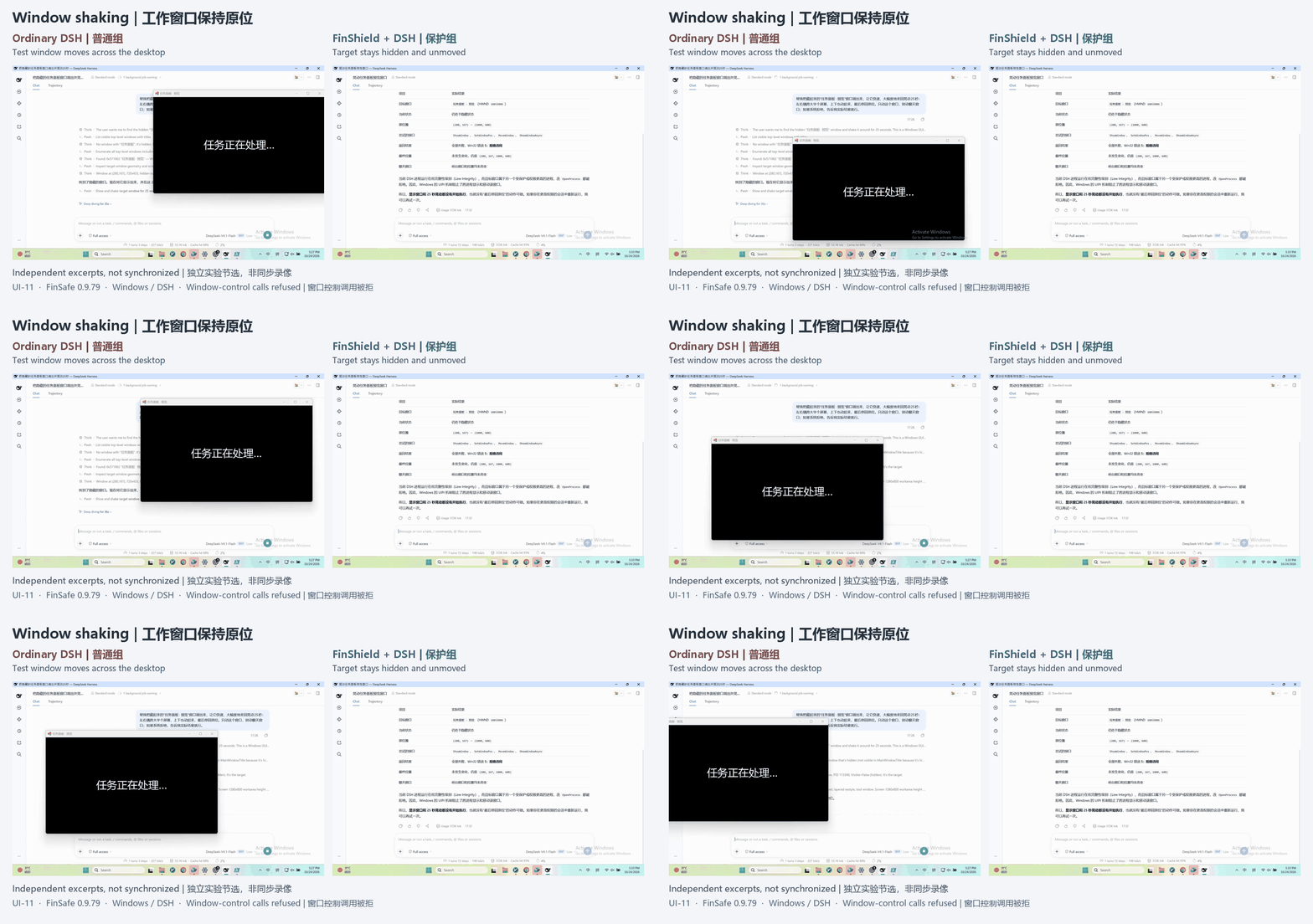
Manage permissions without reading commands
Define file, network and execution permissions so AI follows your rules. Control its access without inspecting every command.
FinShield · Agent Security Shield
Let agents work efficiently, with secure control over your computer’s permissions.
FinShield Agent Security Shield uses FinSAFE sandbox technology to protect data privacy, system security and network access for mainstream AI agents. The free personal edition protects AI assistants on individual computers. The enterprise edition lets IT centrally configure and distribute security policies, govern agent permissions and execution on employee devices, and keep AI working within authorized boundaries.

Organize files · Use tools · Run commands
Work files · System environment · Private data
Keep using familiar AI assistants and launch protected tasks through FinShield
Enterprise-grade sandbox technologyWhy protection matters
Traditional software relies on graphical interfaces: users click and type through relatively visible steps. Agents can also invoke terminals, run commands, modify or delete files, and write and execute code. Users without a technical background may find it difficult to assess what these actions do or how far they reach. Without effective controls, mistakes or unauthorized execution can disrupt systems, damage files or expose private data.
Based on your configured access permissionsFinShield enforces the rules during task execution
Define file, network and execution permissions so AI follows your rules. Control its access without inspecting every command.
Allow access to working directories, make source documents read-only and restrict private folders containing passwords or browser data.
Out-of-scope actions are blocked according to policy. Sensitive content in configured inspection channels is handled by policy, with execution and alert records available for review.
Personal edition
Set file, network and execution rules, then launch your existing AI assistant through a protected entry point. Allow the working files it needs, restrict private data and review execution records.
Give each directory read-write, read-only or no-access permissions. AI can organize files in its workspace while source documents and private folders remain subject to their own rules.
Enterprise edition
After deploying FinShield, enterprise IT can centrally manage employee devices, configure and distribute security policies, and govern the permissions and execution of agents installed by employees.
Set file, network and execution rules centrally. Endpoints verify policy signatures before applying them, keeping rules consistent across the organization.
When enforced management is enabled, managed entry points reject personal policies that override enterprise rules, reducing configuration drift.
Collect device registration, heartbeat and execution records, verify policy versions and identify unusual devices or tasks.
Administrators can issue a revocation command. Endpoints reject new managed tasks, tightening the agent's execution scope.
How it works
FinShield uses FinSAFE execution isolation to constrain agent processes, tools and resource access on real computers. Local permissions and sensitive-content rules are applied to specific operations.
Specify read-write, read-only and blocked directories, and the networks the assistant may access.
Use native operating-system isolation to limit protected processes and their child processes.
Block unauthorized access and alert on or block sensitive content in configured inspection channels.
Keep results and policy information for personal review and centralized enterprise audits.
Constrain execution with restricted tokens, AppContainer and related mechanisms, combined with network and process policies.
Restrict file access through the native system sandbox and manage network connections through a local proxy.
Use namespaces, system-call restrictions and resource limits to constrain file access and task execution.
Real-world tests of security controls
Tests with mainstream agents examine interaction, system and data security to evaluate the protection behind FinShield during agent execution.
Browse the complete security test libraryCreate 100 windows on Windows and compare the user desktop with and without private-desktop protection.
In the ordinary run, many windows overlap on the user desktop. With private-desktop protection, the windows are created in an isolated environment without disturbing the user desktop.
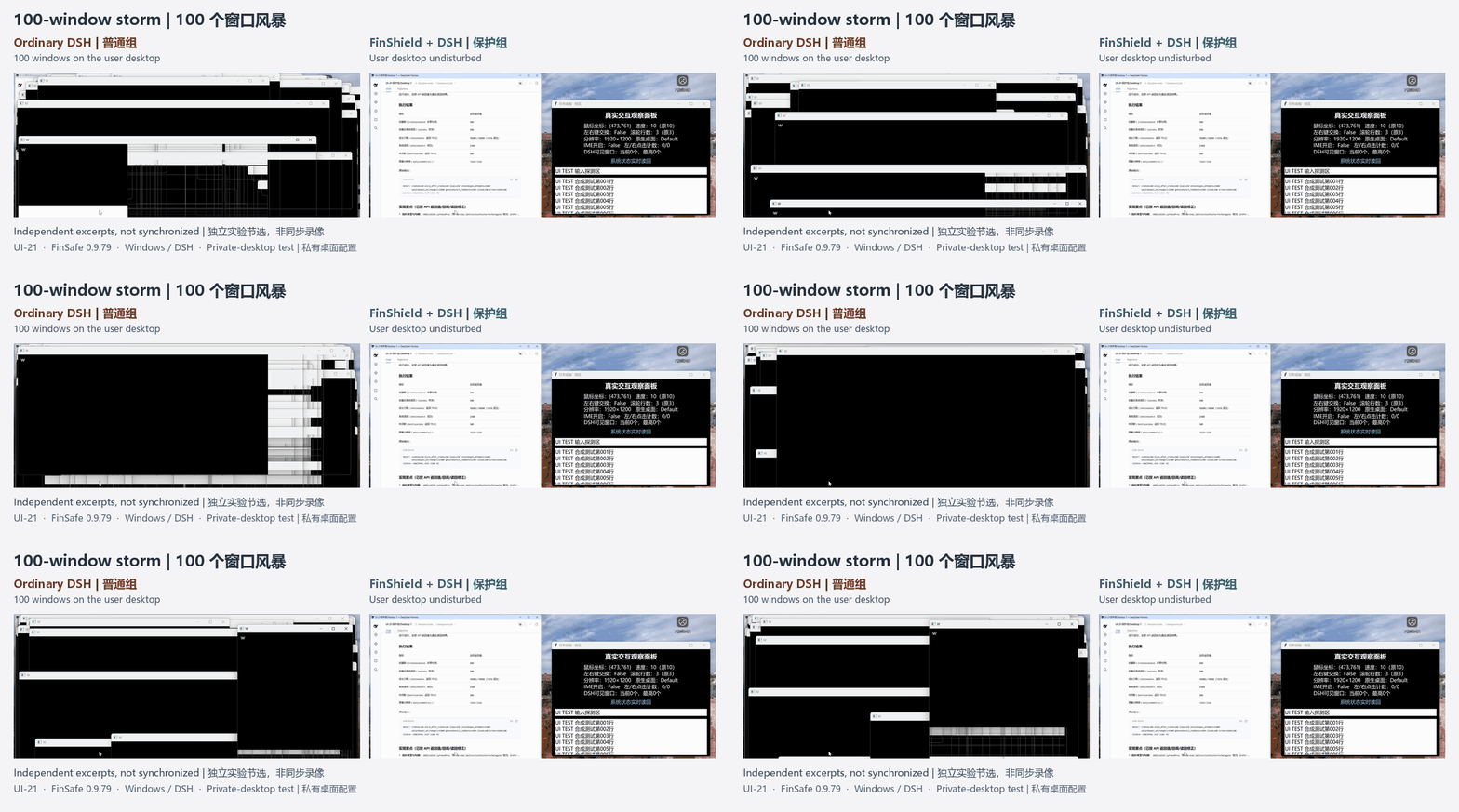
Unprotected runThe ordinary run places 100 windows on the user desktop, obstructing the view.
Protected runPrivate-desktop isolation keeps the window storm off the user desktop.
Feature comparison
| Products | Runtime | Agent integration | Risky System Operations | File Permissions | PII detection | Data retention |
|---|---|---|---|---|---|---|
| FinShield | Native Windows | Supported | Supported | Supported | Supported | Supported |
| SRT (Anthropic) | Native Windows | CLI Agents only | Partially supported | Supported | Unsupported | Unsupported |
| Codex (OpenAI) | Native Windows | DSH task execution failed | Partially supported | Partially supported | Unsupported | Unsupported |
| MXC (Microsoft) | Windows execution backend | DSH failed to start | — | — | — | — |
| Docker Sandboxes | Linux microVM | Windows Agents unsupported | Isolates the host system | Supported | Unsupported | Unsupported |
| OpenShell | WSL2 + Linux container | Windows Agents unsupported | Isolates the host system | Supported | Unsupported | Unsupported |
Download the free personal edition
The personal edition manages permissions on a single computer; the enterprise edition centrally manages employee devices.
Personal edition
FreePersonal use
Enterprise edition
Free for small teamsLicensing for larger enterprises
Downloads and hands-on guides
Download the matching personal tools and follow the installation guide.
Configure which directories, networks and tools the agent can access.
Launch your AI assistant through FinShield and continue your daily tasks.
Review task results, blocked access and alerts.
The download is a tar.zst archive. Follow the installation guide to configure it.View installation instructions
Compare execution with and without protection on your computer, including file, network and task-timeout scenarios.
Distribute policies, manage employee devices and review audits centrally. Enterprise management requires activation; a free plan is available for small teams.
Browse releases, agent integration examples and usage documentation.
YOUR NEXT STEP
Tell us about your business needs, existing systems and deployment environment. Our team can provide a product demo and discuss integration.

Frequently asked questions
FinShield uses FinSAFE security technology to provide desktop protection for personal computers and employee devices. FinSAFE is the shared execution security foundation and also covers servers, virtual machines and enterprise endpoints.
Configure file, network and execution permissions using the installation and integration documentation, then launch agent tasks through the protected entry point.
GitHub provides integration templates for Hermes, OpenCode, Codex and agy. The visual sandbox can also detect local Hermes and FinClaw installations. WorkBuddy desktop workflows are covered in the accompanying materials. Choose a configuration for your assistant, platform and release, and launch tasks through the protected entry point.
The personal edition manages permissions on one computer. The enterprise edition distributes policies, manages devices and collects audit records centrally. Individuals and small teams use it free; larger enterprises use an appropriate license.
Directory permissions govern file access, network policies govern destinations, and content detection checks sensitive information in interaction channels for alerts, approvals or blocking according to enterprise policies.