
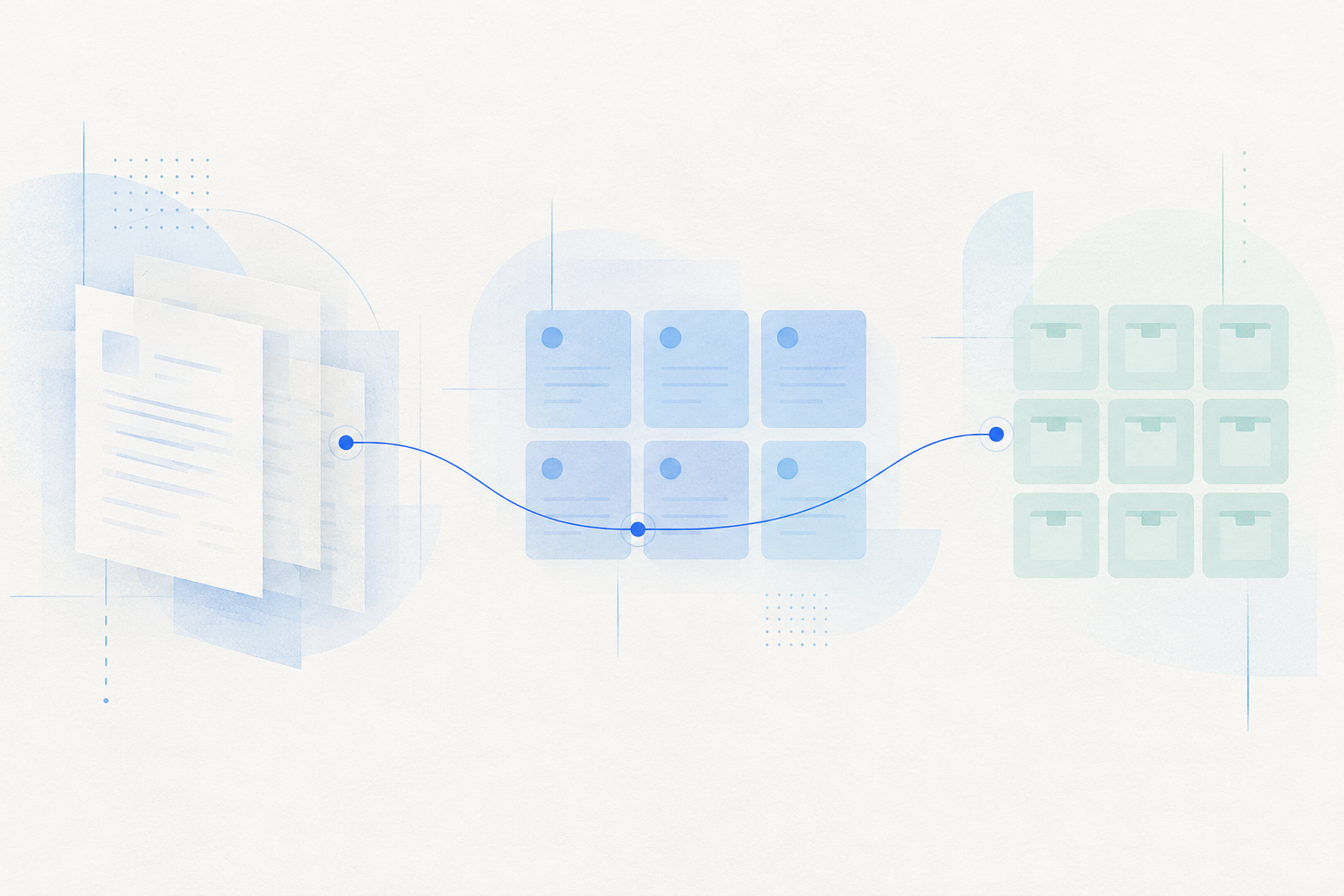

Harmonization of engineering knowledge
Collect design standards, historical drawings, process documents, bid materials and maintenance manuals, retaining sources and versions.
FinLore · Enterprise knowledge baseFinAIOS Manufacturing Solutions
For equipment, automotive and component manufacturers, connect design standards, process knowledge and business tools to role-specific agents. Assist with modeling, drawings, work orders, materials and data analysis through unified workspaces and security controls, reducing repetitive work and retaining engineering expertise.

Design specifications CATIA MES / ERP / WMS
Business knowledge Business skills
FinClaw post
Research and development design Production synergies Data analysis
Skills clearance / Safe sandbox / Operation approval / All-way records.
Focus on applying scenes
Start with repetitive design work, cross-system queries and data experiments. Define the information, tools and outputs required for each task to put AI into practical use.
Design engineer. Process engineer. Research and development team.
Give role-specific agents component requirements, design parameters and enterprise standards. Use professional design-software APIs for parametric modeling, engineering drawings and result review.
Use CATIA APIs for modeling and drawings, and organize component models, engineering drawings and bills of materials.
Extract drawing features, dimensions and historical production data to help prepare process sheets and estimate operation times.
Package operating steps, design standards and output templates as business skills, refined through engineering review.
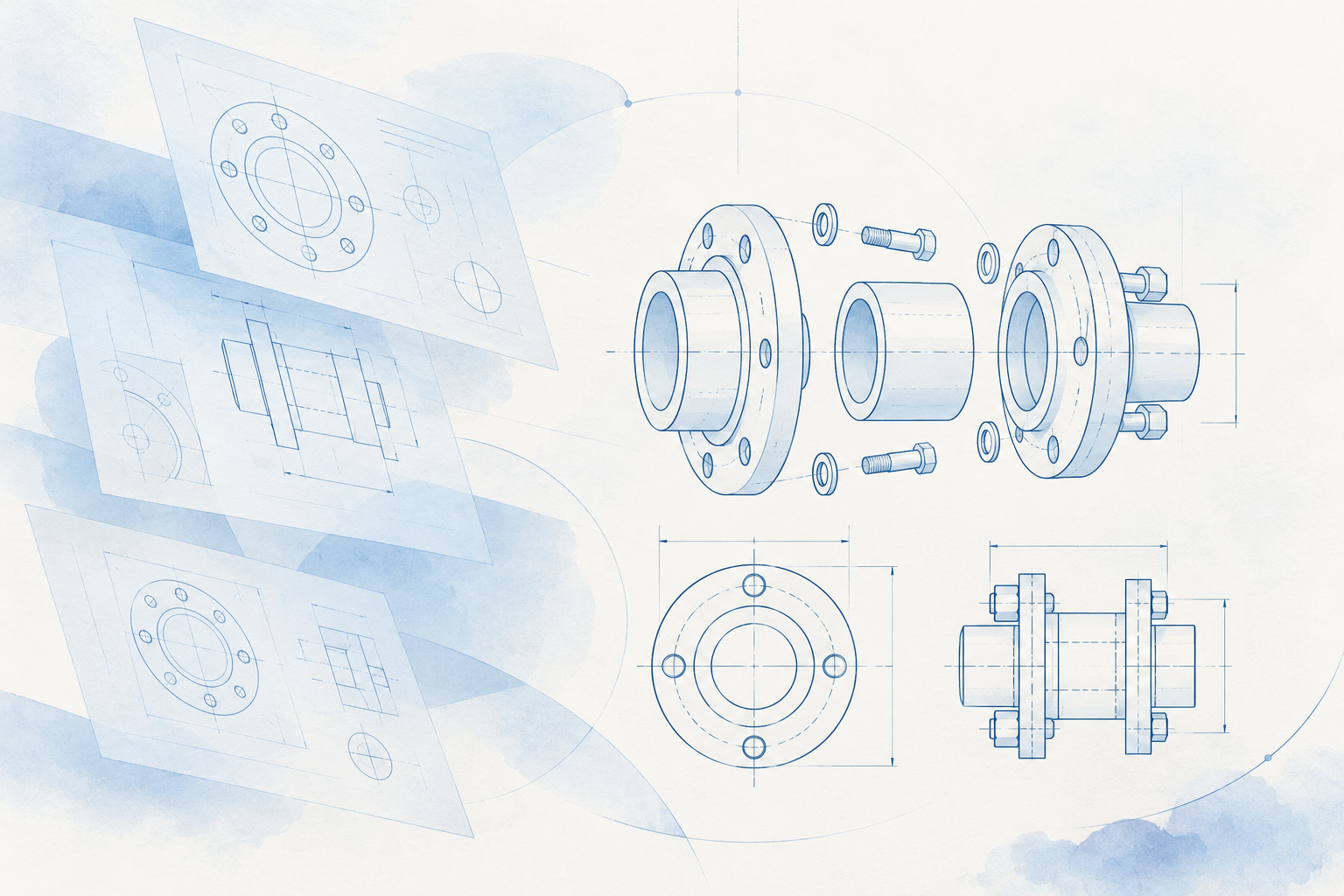
Engineers review models, sizes and process requirements, confirm them and enter the follow-up process.
Enterprise knowledge and job skills
Organize drawing standards, process documents, past projects and operating methods, distinguishing reference information from executable skills. Give agents reliable sources and reusable methods across roles.
Collect design standards, historical drawings, process documents, bid materials and maintenance manuals, retaining sources and versions.
FinLore · Enterprise knowledge basePackage design operations, process planning and system-entry steps as skills. Centrally manage scanning, review, publishing and versions.
FinSkills Hub · Private skills hubEmployees use role-specific workspaces to review information, apply professional judgment and confirm critical results. Agents assist with queries, preparation and execution.
FinDesk · White-label AI desktopIndustrial software and business systems access
Connect industrial software and enterprise systems through APIs, MCP and business skills while retaining existing tools and data. Link information access, tool calls, human review and system updates to reduce switching and duplicate entry.
CATIA / ANSYS / Research and Development Tool
Use APIs from tools such as CATIA and ANSYS for modeling, drawings and simulation, linking design parameters to engineering outputs.
MES / ERP / WMS
Connect work-order, material, inventory and exception APIs. Keep business queries, human confirmation and system updates within one task.
Business data / Knowledge base / Collaboration tool
Connect historical business data, enterprise knowledge and collaboration tools to organize analysis, task records and cross-team follow-up.
Identification of needs, parameters and range of operations.
Use of interfaces, MCPs and business skills.
Verification results and changes to be implemented.
Update the system as mandated, retain the results.
Security and operational governance
Manage skill publication, task execution, business changes and processing records in your own environment. Apply file permissions, system access and human review to specific tasks.
Before skills go up.
FinSkills Hub
Check skill scripts, tool declarations and business rules before adding approved versions to the private enterprise catalog.
Explore FinSkills HubWhile the task was being performed
FinSAFE
Limit access to drawings, process files, tool processes, networks and resources, and execute tasks within a sandbox.
Explore FinSAFEBefore business changes
FinGuard
Check permissions and approvals before writes to MES, ERP and other systems. Manage credentials and prevent duplicate execution of the same request.
Explore FinGuardtask-wide process
FinHub
Retain sessions and task records linked to tool calls, approvals and results so business processing can be reviewed.
Explore FinHubFDE delivery
FDE teams work with engineering, production and IT staff to map working methods, organize knowledge, package skills, connect systems and configure security. Validate results with real tasks before expanding to more roles.
Explore FDE deliveryInterview engineering, production and IT teams to identify frequent tasks, business problems and acceptance goals.
Organize drawings, process information and maintenance materials. Turn operating steps and business rules into role-specific skills.
Configure industrial software, business APIs, permissions and approvals, then validate the workflow in a sandbox.
Launch a limited pilot, review results and hand over operations. Keep knowledge, skills and security rules up to date.
YOUR NEXT STEP
Discuss product combinations, pilot workflows and implementation around your teams, processes and existing systems.

Start with repetitive modeling and drawing, work-order or material queries, exception reporting or data analysis. Define information, software APIs, responsibilities and outputs, then validate one complete workflow before expanding.
Use APIs, MCP or authorized tools from industrial software and business systems. Package operations as skills so employees can access information, submit tasks and confirm results from one workspace while retaining existing systems.
Configure data access in your own environment. FinSkills Hub manages skill reviews and versions, FinSAFE limits file, process and network access, and FinGuard checks action permissions and approvals. Link sessions, execution and audit records for review.
FDE teams work with business, engineering and IT staff to map processes and knowledge, package skills, connect systems and configure security. Complete trials and business acceptance before production handover, including operating procedures and maintenance responsibilities.